
Roku OS / Roku TV / Roku player
Roku remote app not finding TV on iPhone: fixes
If your Roku is missing from the iPhone remote app, check that both devices use the same non-guest network, allow iPhone Local Network access and check Roku’s Control by mobile apps setting. Keep the Roku awake and scan again; discovery does not guarantee every command is available. Exact support still depends on the TV model and software version; check the manual for your model if a step does not match.
Download TVRemoteX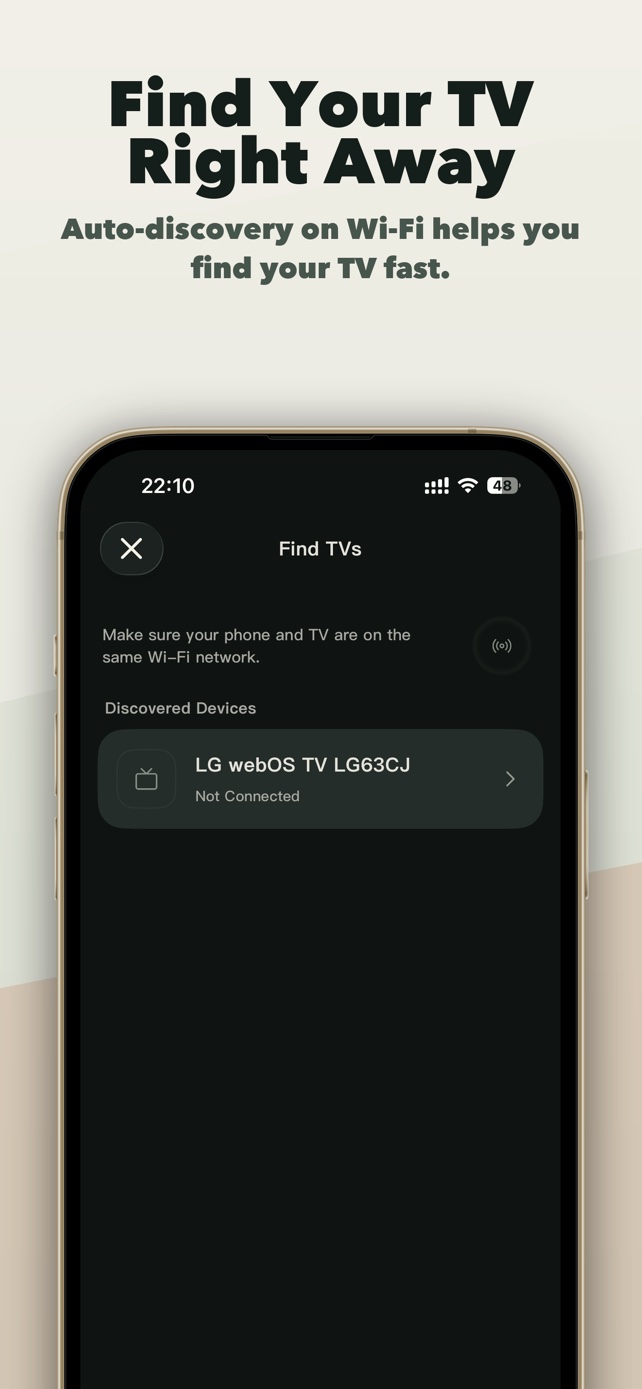
Applicable scope
Brands and product families
Use another guide when the TV runs
Connection steps
Check Roku mobile-app access
On Roku OS, open Settings > System > Advanced system settings > Control by mobile apps. Enabled allows compatible controls from the same local network; Limited can restrict commands. Do not switch to Permissive merely to troubleshoot.
Keep the TV awake, then select it in TVRemoteX
Leave the TV on its Home screen, open TVRemoteX, start discovery and choose the matching device name. Do not approve a request you did not initiate.
What to check for this route
Roku's Control by mobile apps setting is distinct from the Roku-branded app's own features and does not verify power or text input on every device.
Verify control before relying on advanced features
Test Home, Back and one volume command first. Keyboard, app launch, wake and casting are separate capabilities and may not be exposed by the selected route.
TV settings
Menu names and feature availability can vary by model, region and software version.
Settings > System > Advanced system settings > Control by mobile apps > EnabledRokuOptional technical detailsProtocol names and software-generation differences are kept here for advanced troubleshooting. Most people can follow the connection steps above without using this section.
Differences by model and software
Menu names and feature availability can vary by model, region and software version.
No TV PIN; local network policy controls access.
Enabled accepts commands only from the same local network; Limited restricts available commands; Permissive broadens access and is not recommended hereThe brand ships multiple operating systems; choose the platform-specific route.
Volume, channel, input and power commands differSymptoms and fixes
| What you see | Likely cause | What to do |
|---|---|---|
| The TV does not appear | Local Network permission, guest Wi-Fi, VPN or client isolation is blocking discovery. | Enable iOS Local Network access, use the same non-guest LAN, pause the VPN and rescan with the TV awake. |
| Connected, but buttons do nothing | The TV accepted discovery but blocks third-party control, selected a limited route, or is showing a protected screen. | Check the platform's network-control setting, return to Home and test basic navigation before advanced commands. |
| The documented setting is missing | Menu structure differs by model year, region or firmware, or the model does not expose local control. | Use the TV's built-in search or its exact model manual. Do not enable a similarly named setting unless the manual says it controls mobile/IP access. |
| Power off works but wake does not | Deep standby disabled network wake, the TV lost Wi-Fi, or this connection method does not support wake. | If your model offers a network or mobile-device wake setting, enable it. Otherwise turn on the TV with its physical remote and reconnect. |
| Keyboard input is unavailable | The active route does not expose text input or the TV is not focused in an editable field. | Open a search or sign-in text field on the TV, then retry. Use the on-TV keyboard when the route remains unavailable. |
| An app shortcut is missing or will not open | The TV did not report that app, the app is not installed, or its identifier differs by model or region. | Install and open the app once on the TV, refresh the app list, and do not assume a shortcut exists on every region. |
Manufacturer help
- 01
- 02
- 03
Did this guide help?
Thanks for your feedback.