TVRemoteX turns your iPhone into a remote for almost any smart TV
One app for the TVs in your home. Navigate, type, change the volume and open apps over Wi-Fi, with widgets, Siri and Apple Watch when you want a shortcut.

Free download with in-app purchases. Needs iOS 16+.
Short answer
TVRemoteX is a free universal TV remote for iPhone and iPad (iOS 16 or later) and Apple Watch. It controls compatible Samsung, LG, Roku, Google TV and Android TV, Chromecast, Fire TV, Apple TV, Sony, TCL, Hisense, VIZIO, Philips, Panasonic, Sharp and Xiaomi TVs over the same Wi-Fi network. Basic controls are free, there are no ads, and some TVs need an on-screen approval or code the first time.
What TVRemoteX can do
Everyday controls
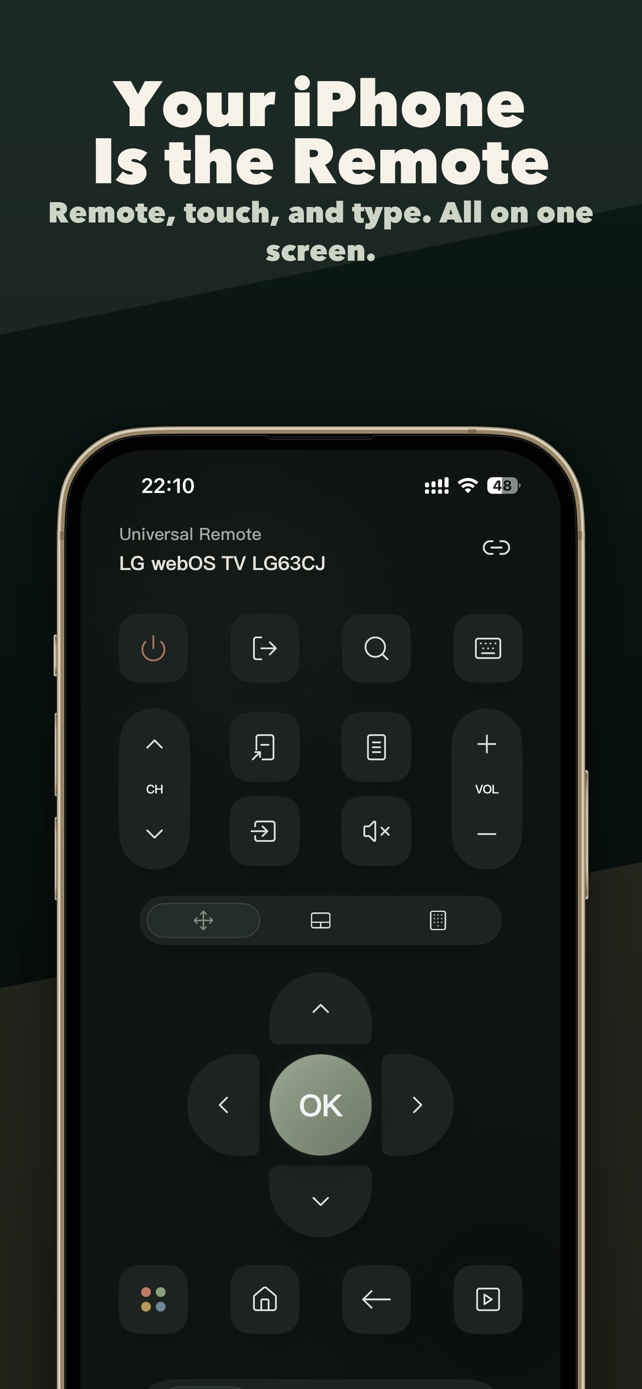
Power, volume, mute, channels, D-pad, Back, Home and playback. Some TVs also support input switching.
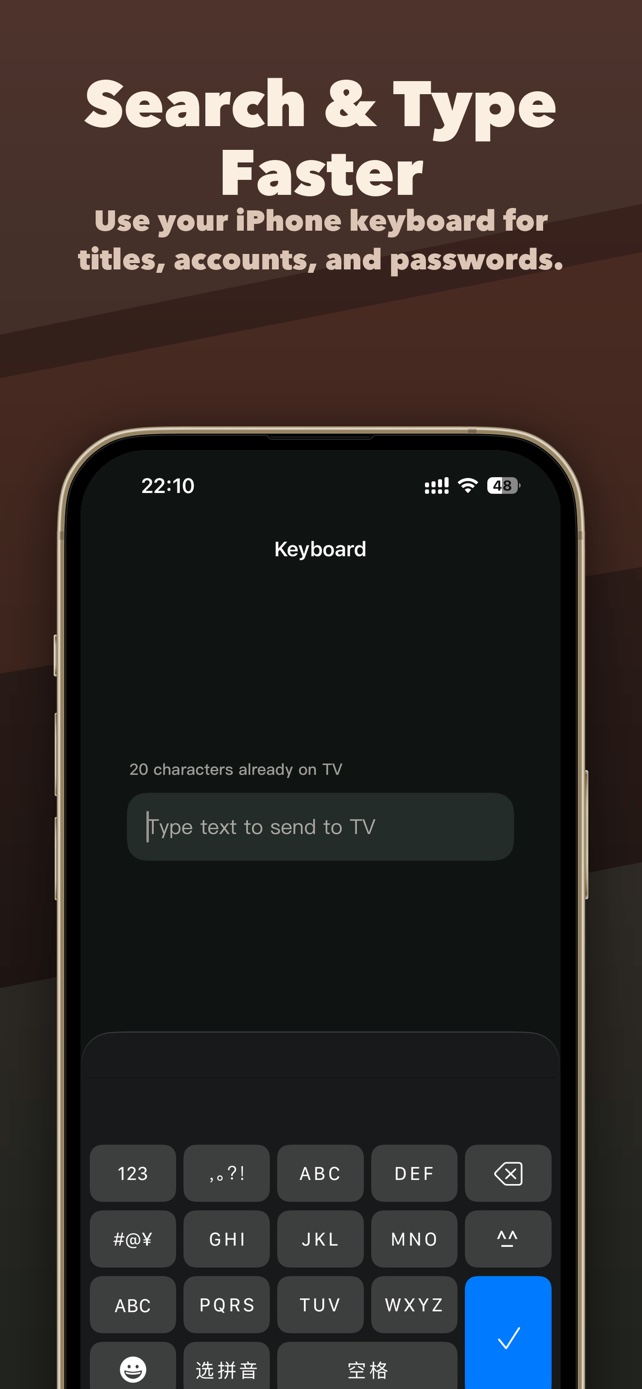
Keyboard and touchpad
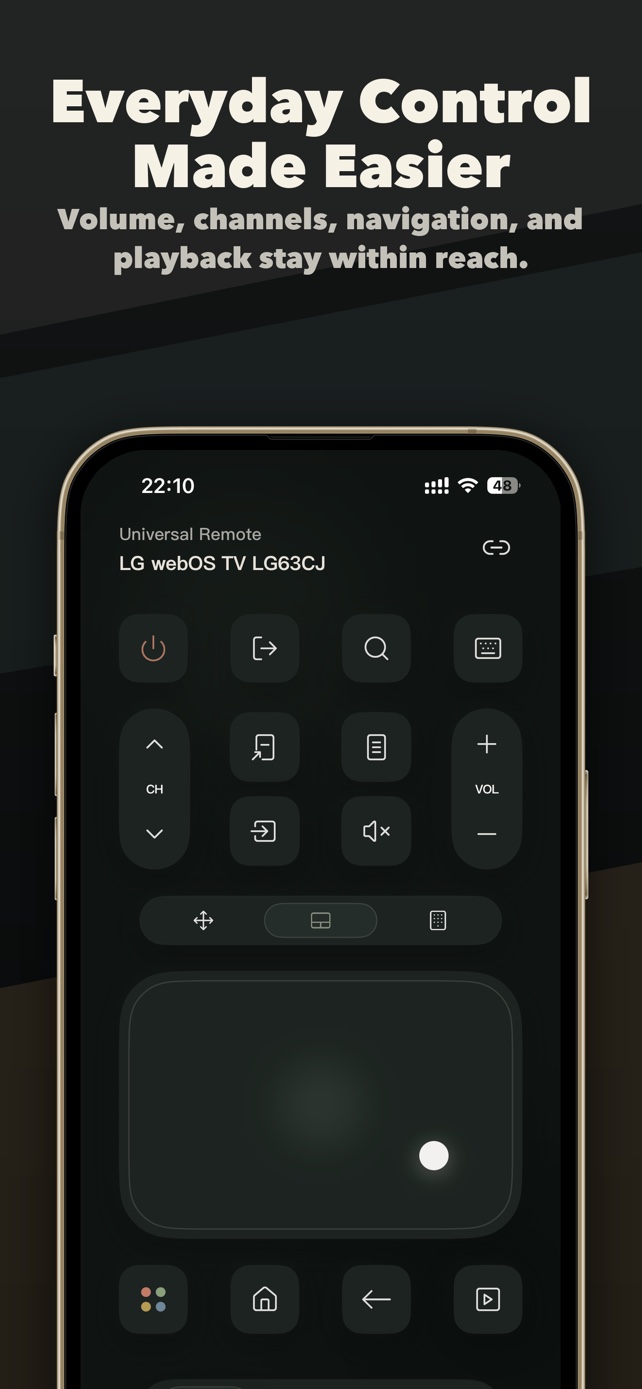
Type searches and passwords with the iPhone keyboard. Swipe on a touchpad or use the arrow buttons.
Open TV apps
Jump straight to the apps installed on the TV, on TVs that report their app list.
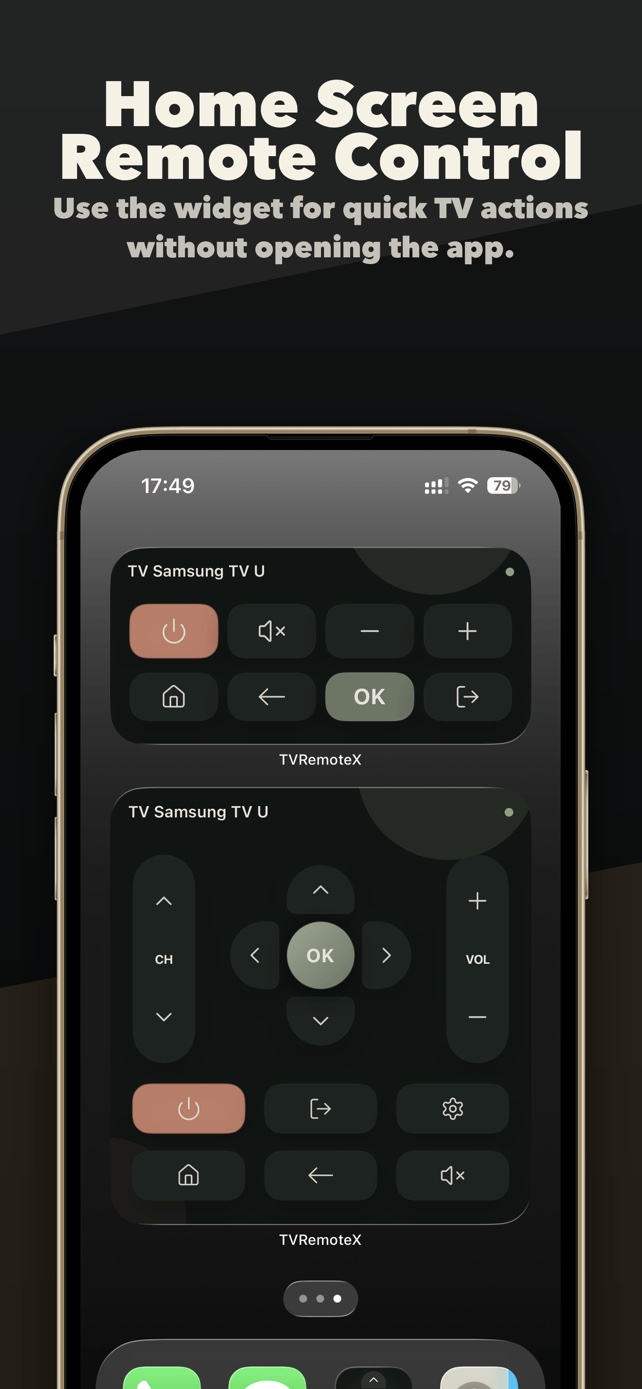
Widgets, Siri and Apple Watch
Change volume or turn off the TV from a Home Screen widget, a Siri Shortcut or your wrist.
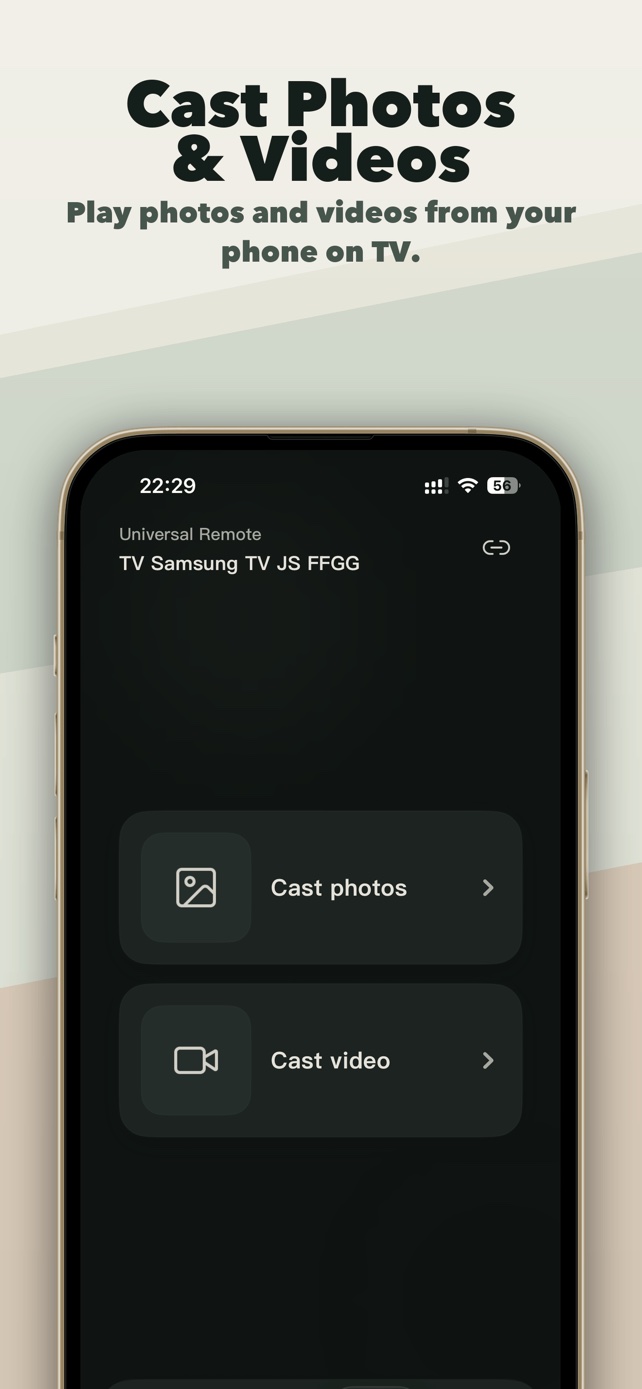
Cast photos and videos
Send personal photos and videos to compatible TVs. This sends the file; it is not live screen mirroring.
No ads
Basic controls are free and the app shows no ads. Advanced features are part of Pro.
Inside the app


How to use your iPhone as a TV remote
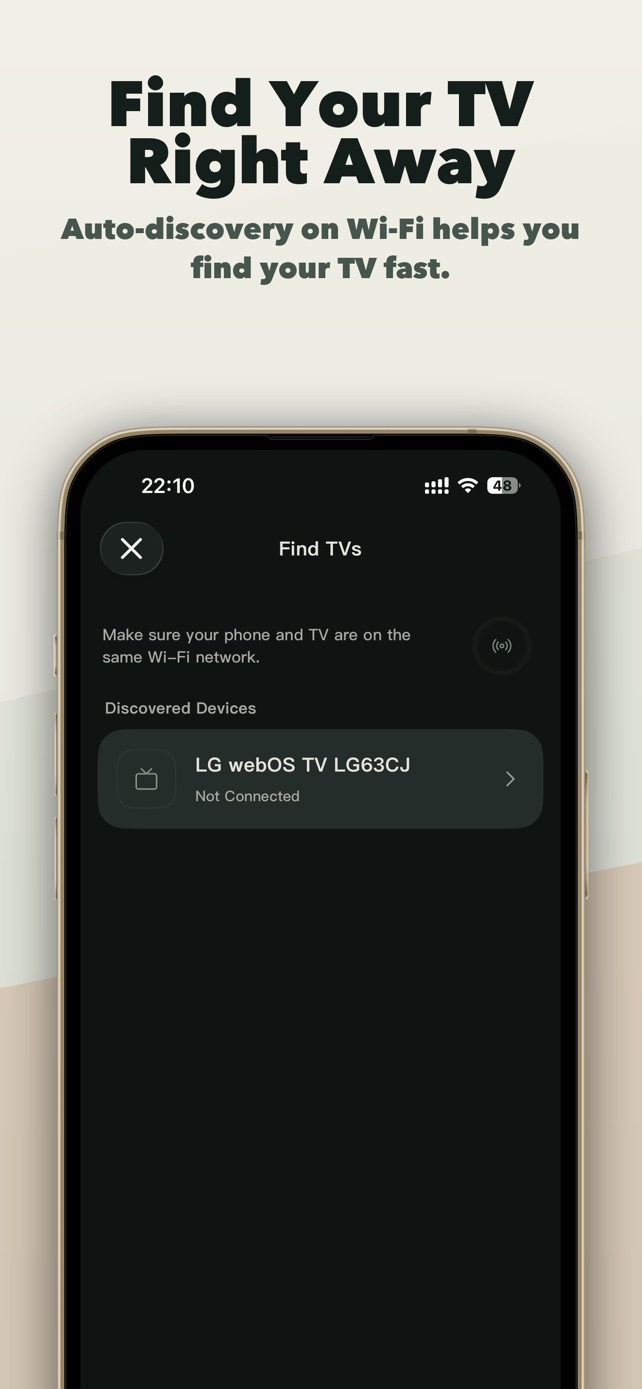
- Join the same Wi-FiConnect your iPhone to the same home network as the TV. Avoid guest networks and VPNs while pairing.
- Allow Local Network accessWhen iOS asks, tap Allow. Without it the app can’t find TVs on your network.
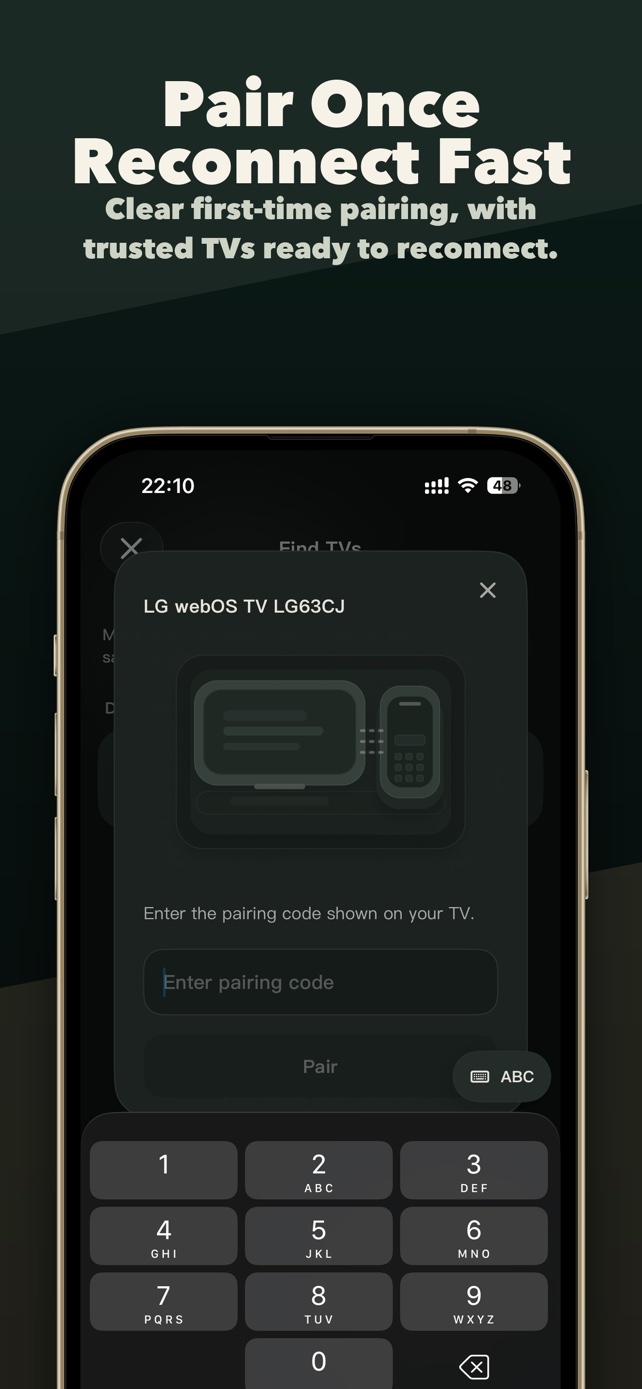
- Pick your TV and approveSelect the TV. Depending on the brand, approve the prompt on the TV or type the code it shows.
Requirements
- iPhone or iPad with iOS 16.0 or later; Apple Watch with watchOS 10 or later
- TV and iPhone on the same local network
- Local Network permission allowed for TVRemoteX
- Some TVs need network control switched on in their settings
Setup guides by brand
Choose your TV for pairing steps, settings and fixes.
- SamsungTizen
- LGwebOS
- RokuRoku OS
- Fire TVFire OS, Vega OS
- Google TVGoogle TV, Android TV
- ChromecastGoogle TV
- Apple TVtvOS
- SonyGoogle TV, Android TV
- TCLGoogle TV, Roku OS
- HisenseVIDAA, Google TV
- VIZIOSmartCast, VIZIO OS
- PhilipsGoogle TV, Android TV
- PanasonicMy Home Screen, Fire OS
- SharpGoogle TV, Android TV
- XiaomiGoogle TV, Android TV
- ToshibaFire OS, VIDAA
Questions people ask
Can I use my iPhone as a TV remote without the original remote?
Yes, as long as the TV is already connected to your Wi-Fi. TVRemoteX talks to the TV over the network. If the TV has never been set up on Wi-Fi, you need the physical buttons or a replacement remote once to connect it.
Does TVRemoteX need an infrared blaster?
No. iPhones have no infrared transmitter, so TVRemoteX works over Wi-Fi with smart TVs and streaming devices.
Is TVRemoteX free?
Yes, basic controls are free and there are no ads. Pro unlocks advanced features. Prices are shown in the App Store before you buy.
Why can’t the app find my TV?
Most often the iPhone and TV are on different networks (guest Wi-Fi, a second router or a VPN) or Local Network access is turned off. See TV not found on the same Wi-Fi.
Can it turn the TV on?
It depends on the TV. Many TVs can be woken over the network when a setting such as TV On With Mobile or Wake on LAN is enabled. A TV that is fully powered off or disconnected from Wi-Fi can’t be reached.
Does it mirror my iPhone screen?
No. TVRemoteX can cast selected photos and videos. Live screen mirroring is a different feature; see casting vs screen mirroring.