LG TV remote app for iPhone
Control your LG TV from your iPhone with TVRemoteX: D-pad, volume, keyboard, app shortcuts and widgets, over your home Wi-Fi.
Short answer
Yes, an iPhone can control a LG TV over Wi-Fi. Install TVRemoteX, keep the iPhone and TV on the same network, allow Local Network access and pick the TV. The first time, the TV shows a prompt asking whether to allow the connection. Choose Allow with the TV’s buttons or the old remote. The TV remembers the approval.
Systems on LG TVs: webOS
LG smart TVs run webOS. Switch on TV On With Mobile so the app can wake the TV over Wi-Fi.
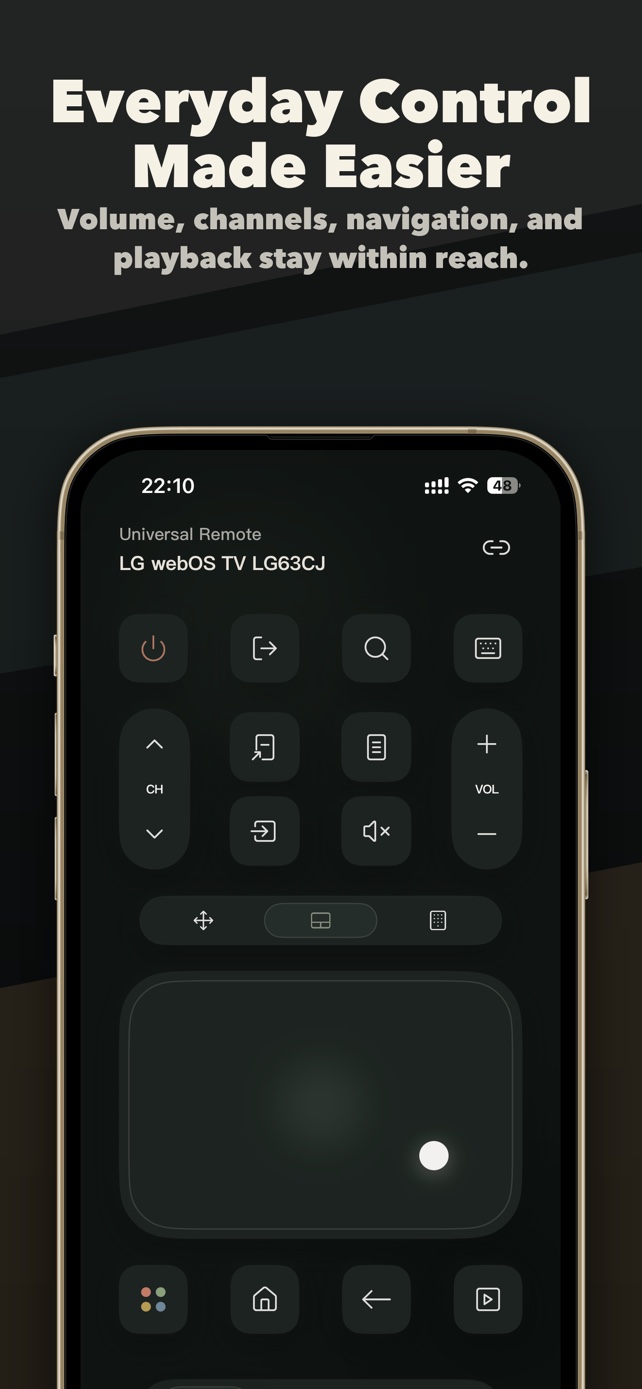
Set up your iPhone as a LG remote
- Connect both to the same Wi-FiUse the same home network for the iPhone and the TV. Guest networks, VPNs and client isolation block discovery.
- Allow Local Network accessTap Allow when iOS asks. If you tapped Don’t Allow, go to Settings > Privacy & Security > Local Network and switch on TVRemoteX.
- Open TVRemoteX and select the TVKeep the TV on and on its home screen, then choose it from the list.
- Approve the connectionThe first time, the TV shows a prompt asking whether to allow the connection. Choose Allow with the TV’s buttons or the old remote. The TV remembers the approval.
- Test a few buttonsTry Home, Back and volume first. Keyboard, app shortcuts and wake depend on the TV and its software.
The setting to know
Menu names change with model year, region and software version.
LG remote app not working? Try this
- The TV doesn’t appear in the list
- Check that both devices are on the same network (not guest Wi-Fi), pause any VPN, switch on Local Network access and wake the TV before scanning again.
- No approval prompt or code on the TV
- Remove old entries from the TV’s list of connected devices if it has one, restart the TV and start pairing once more from the app.
- Connected, but buttons do nothing
- Go back to the TV’s home screen, then try the D-pad. Some screens, such as HDMI inputs or protected video, ignore network commands.
- It turns off but won’t turn back on
- In deep standby many TVs drop off Wi-Fi. Switch on the TV’s network wake option (for example TV On With Mobile or Wake on LAN) if it has one.
Clean up your LG TV
LG TVs don’t run Android, so their home screen can’t be replaced. You can still reduce ads and tracking in the TV’s privacy settings.
Related guides
Questions people ask
Can I control my LG TV with my iPhone without the remote?
Yes, if the TV is already connected to your Wi-Fi. TVRemoteX connects over the network, so the original remote isn’t needed after the TV is online.
Is there a free LG TV remote app for iPhone?
TVRemoteX is free to download, includes basic controls for free and shows no ads.
Why won’t my iPhone connect to my LG TV?
Usually the devices are on different networks, Local Network access is off, or the approval prompt was missed. Follow the fixes above, then pair again.